Verify EVM Contracts
To step through transactions at the source code level in Walnut, log in to the Walnut EVM Debugger and verify your contracts on the verification UI.
Once verified, you can replay blockchain transactions and analyze execution line by line.
Contract verification is available on OP Mainnet, OP Sepolia, and custom networks. Contact us to request support for additional public networks or to add your own private networks.
Verification Modes
Walnut offers two modes for smart contract verification:
- Public verification: Log in with a GitHub account and verify contracts publicly on any chain supported by Walnut. Verified contracts are available on the Contract Viewer repo.
- Private verification: Log in with a GitHub account and verify your contracts privately on custom networks. Only users within your organization can access privately verified contracts.

Verification Parameters
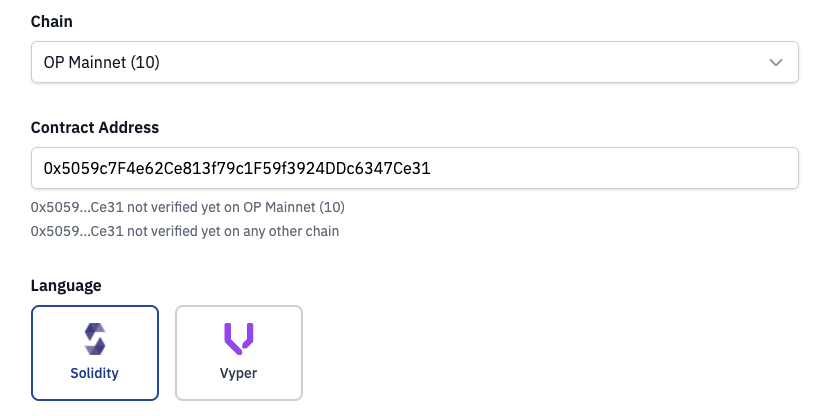
First, select the EVM chain where your contract is deployed and provide the contract address and language.
Verification Methods
The verification UI offers several ways to verify your contracts:
- Standard JSON Input (recommended): Upload a file using standard JSON input format.
- Source code upload: Upload your project source code using file uploads.
- Foundry: Verify contracts on the command line with Foundry. Contact us if you'd like to enable this workflow.
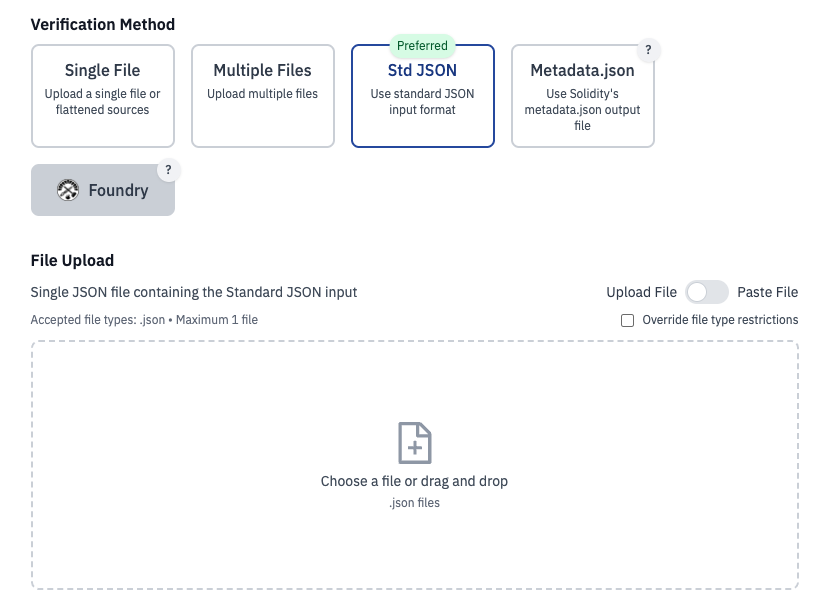
Use Foundry's forge to generate the Standard JSON input using this command:
forge verify-contract --show-standard-json-input 0x5059c7F4e62Ce813f79c1F59f3924DDc6347Ce31 \
    src/Counter.sol:Counter > standard-json-input.json
Verification Settings
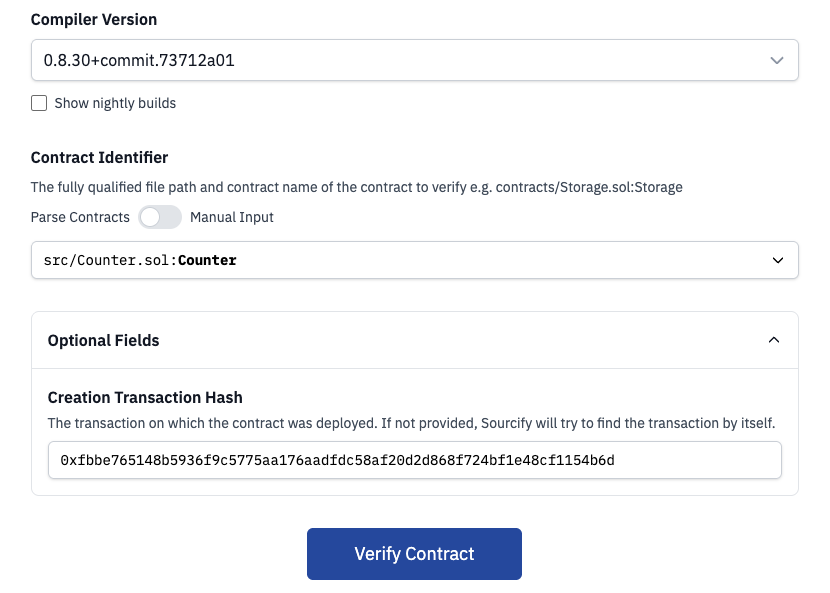
Choose the compiler version your contract was compiled with, provide the contract identifier, and click "Verify Contract".
Verification Submitted
After submitting, our Sourcify server will start the verification. It will recompile your contract sources and compare the resulting bytecode against the on-chain deployed bytecode.
Click "View Job Status" to monitor the verification process.
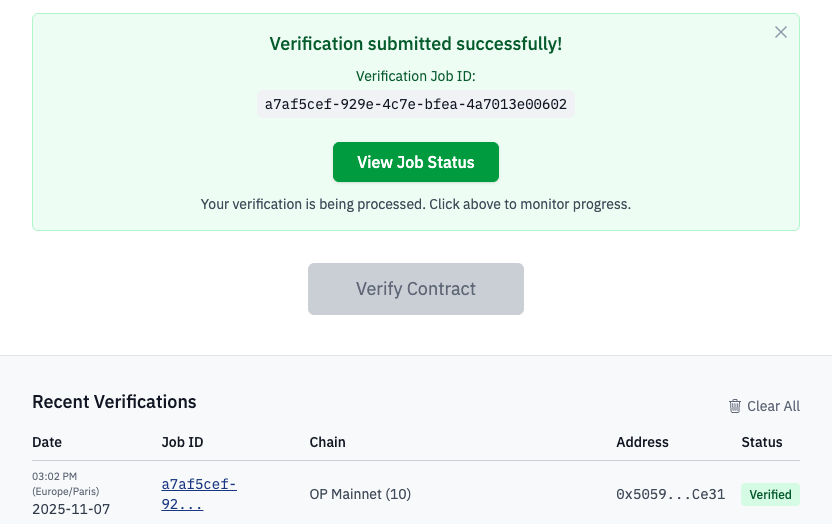
View Job Status
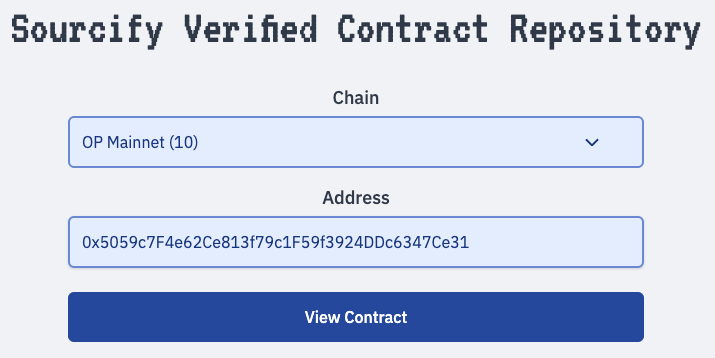
When logged in, click "View in Repository" on the job status page to find your verified contract in the Contract Viewer repo.
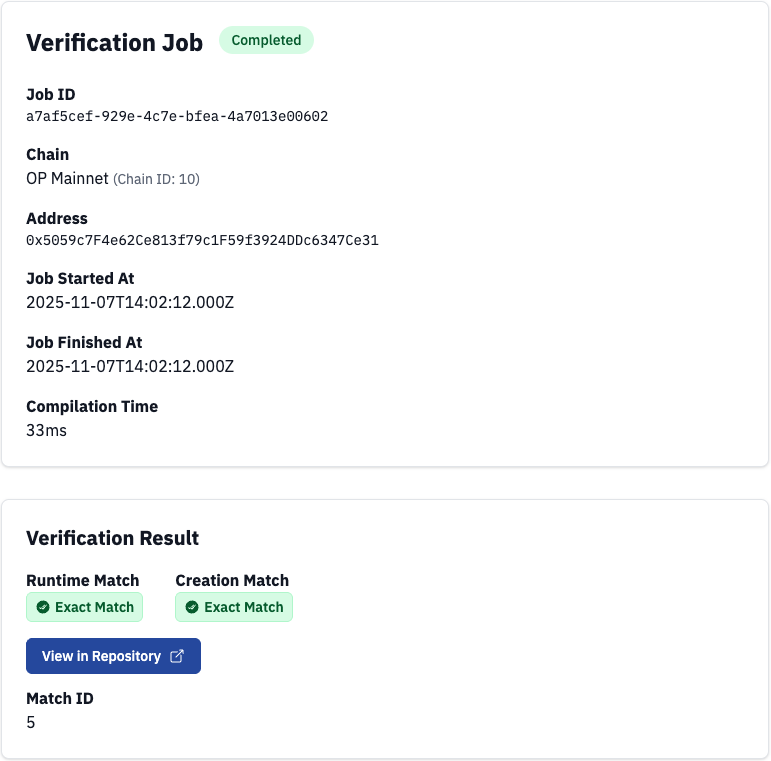
Verified Contract Repository
To find your verified contracts at any time, log in to the Walnut EVM Debugger and open the Contract Viewer repo. Select the chain ID and your verified contract address.